
Detect people before they reach the home.
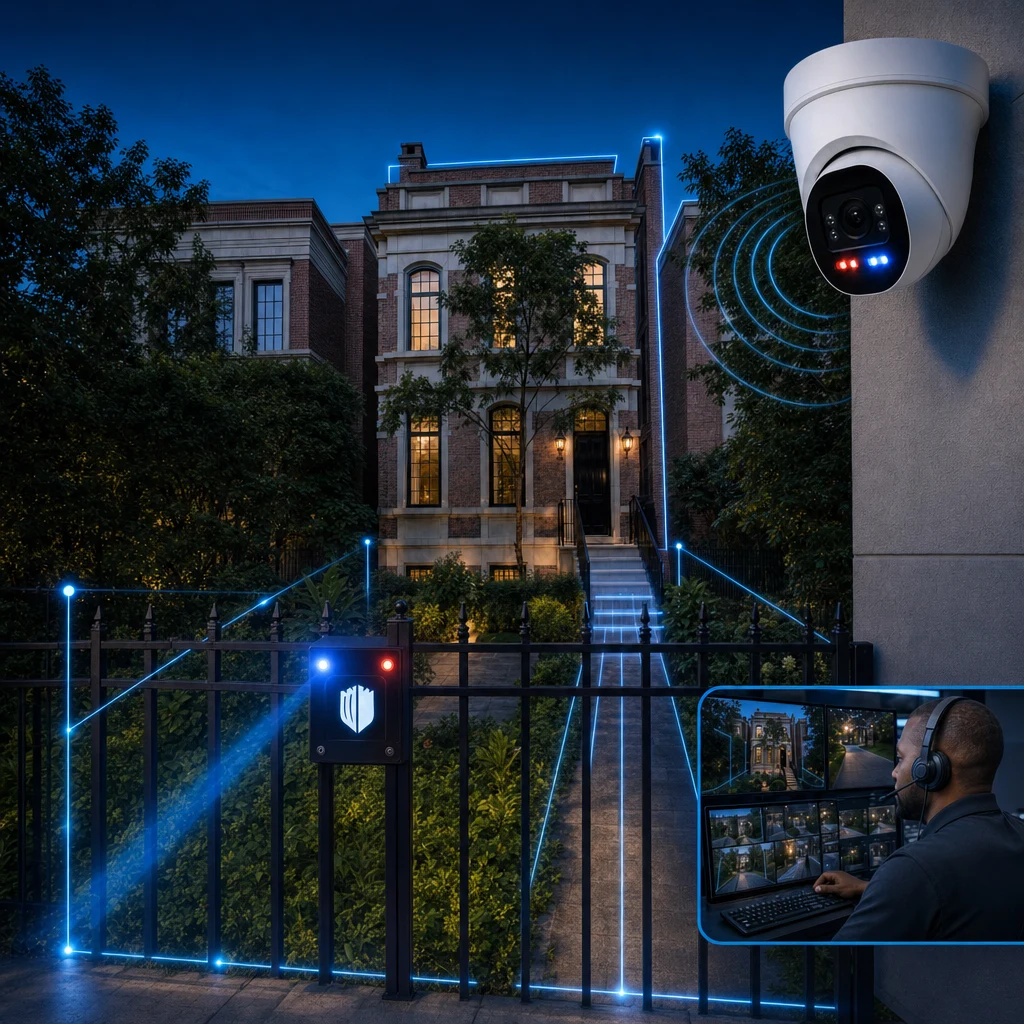
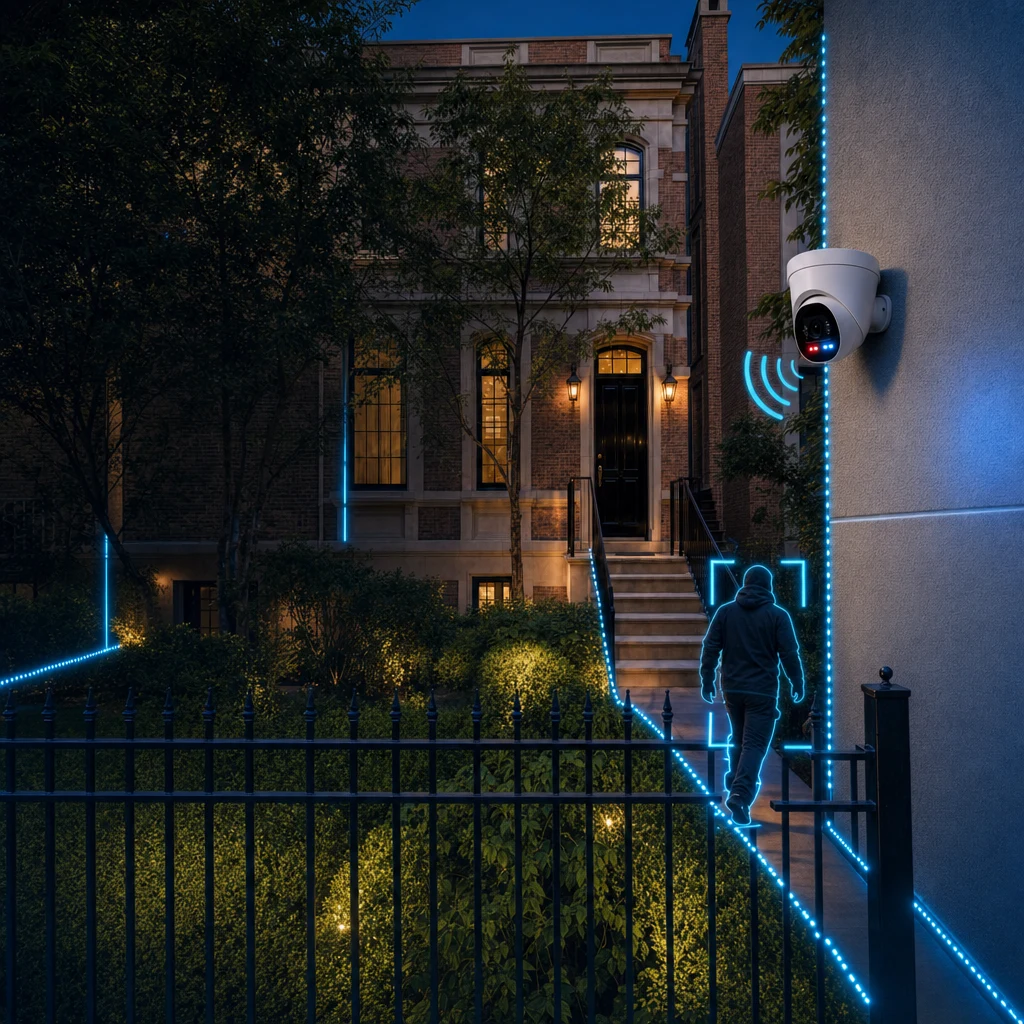
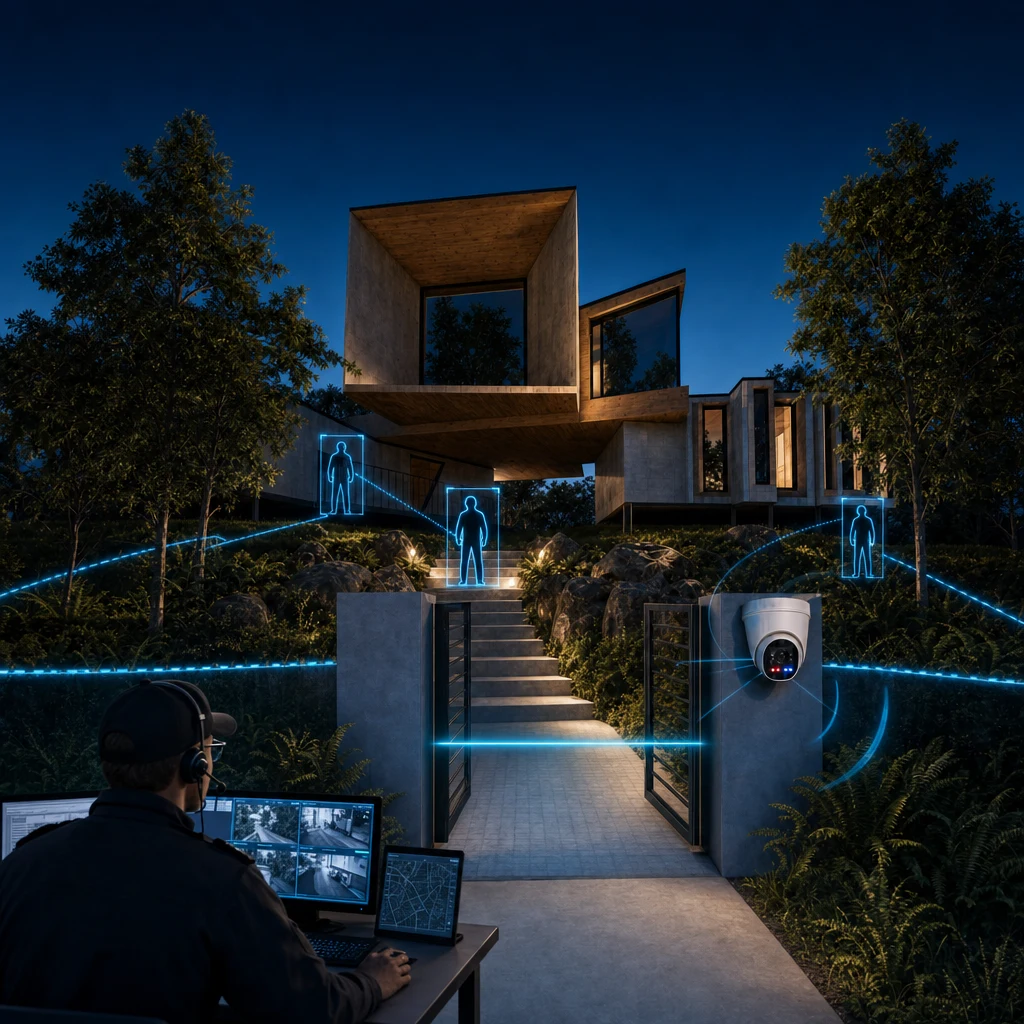
When your system is armed through the app, AI-assisted detection focuses on people crossing configured lines. Windsor places those lines around the approaches that matter to your home, not necessarily along the property boundary.
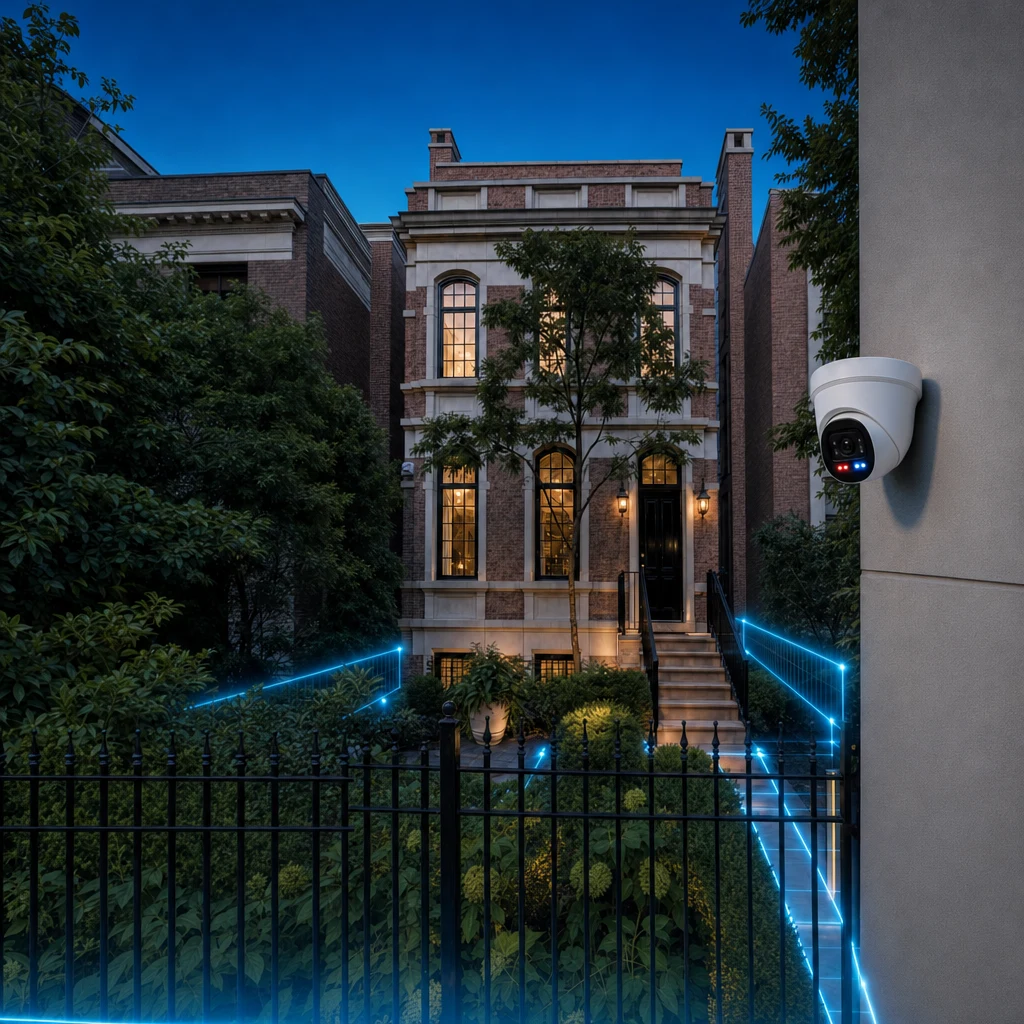
Why the perimeter
A house has a handful of doors and windows, but the property around it has many more ways in. Gates, drives, walks, side passages, rear patios, pool areas and detached buildings give a person room to approach, wait and choose.
If the first sensor is on the door, all of that space is unwatched. Perimeter detection moves the first sensor out to where the approach begins.
What AI-assisted detection does
AI-assisted analysis is designed to help distinguish people from ordinary activity such as animals, passing vehicles and weather. The purpose is to focus event review on people crossing configured lines while the system is armed. Ordinary motion detection remains useful; Windsor connects people-focused detection to deterrence and monitoring.
It is an aid to human review, not a way to identify threats or intentions. An event can reach monitoring specialists, who assess visible camera footage under the service's consistent escalation process.
Configured, not generic
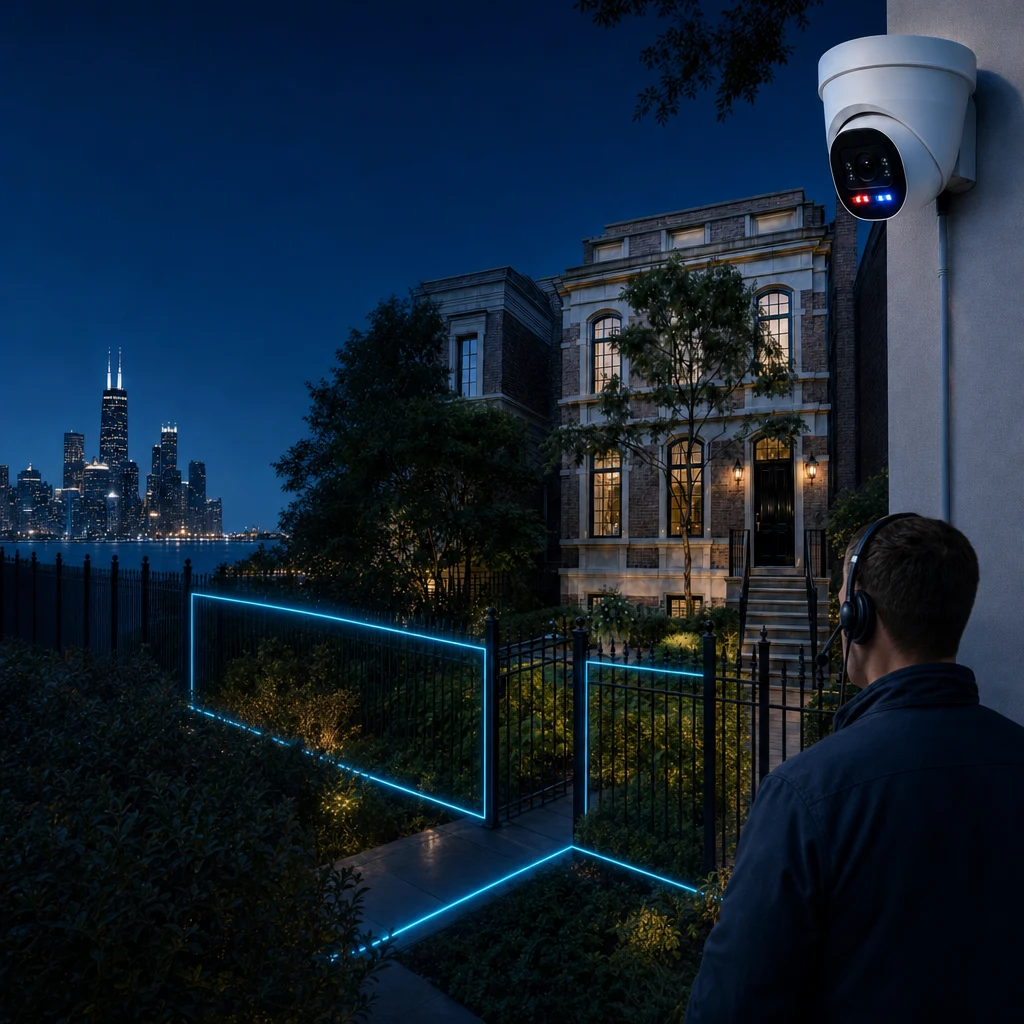
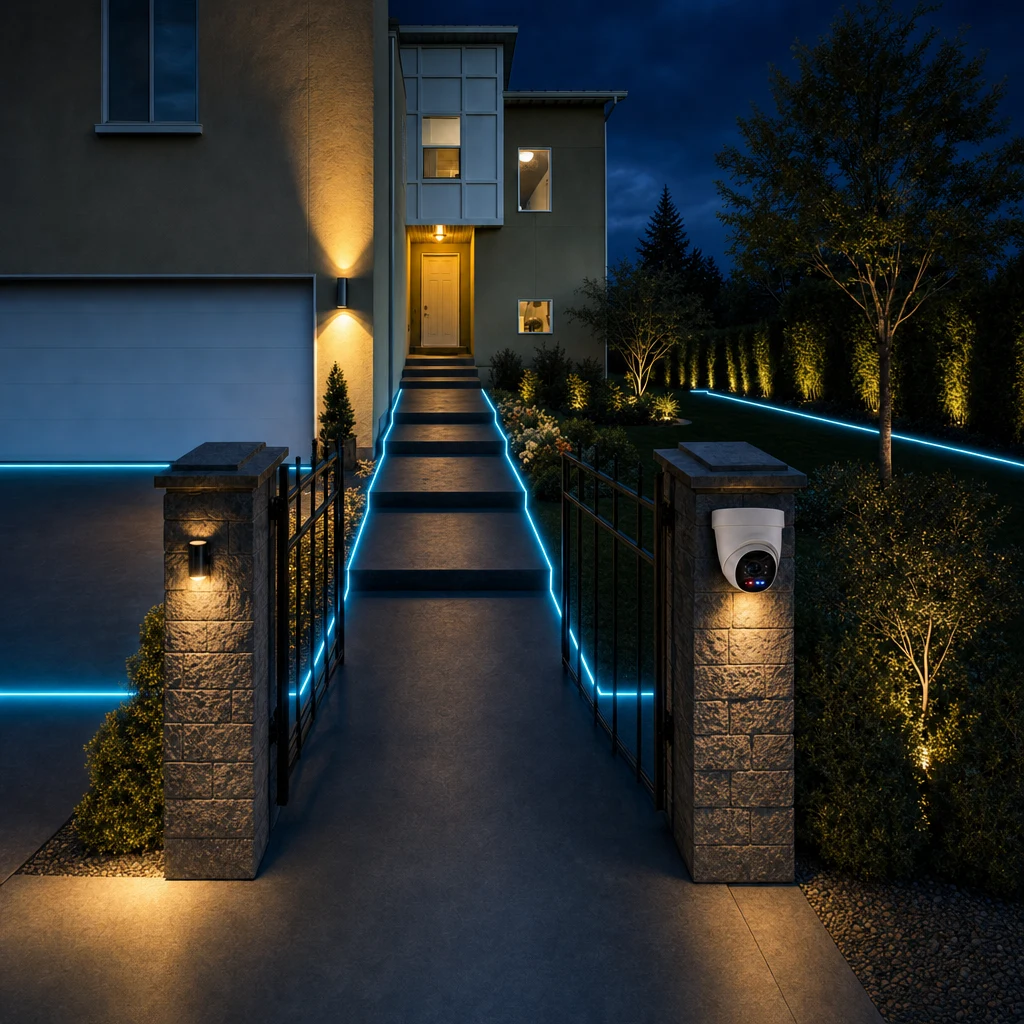
Windsor designs detection lines around your layout, vulnerable approaches and needs. They can sit near a door, gate, sidewalk, front yard, side passage or porch. The line is a configured detection area, not necessarily the edge of your land. Public movement and neighboring property inform the placement.
- Front gates and drives
- Walks and side passages
- Patios, courtyards and pool approaches
- Garages and detached structures
Want this designed around your property?
What happens after a detection
While the system is armed, a configured line crossing may generate an event. Configured lights and audio can activate, and specialists review events sent to them. Detection alone does not establish a crime or automatically trigger emergency contacts or police dispatch.
Limits worth knowing
AI classification is not perfect. Weather, lighting and camera angle all matter, which is part of why placement is designed rather than improvised and why the review step exists. Ask how the proposed detection zones will be tested under the conditions at your property, which activities should generate events and how the configuration can be reviewed as those conditions change.
Who benefits most
Perimeter detection can suit properties with long approaches, several access points, landscaping that blocks sightlines or periods of vacancy. A compact urban lot with one entrance may need a simpler design.
How configuration works in practice
After the property walk-through, Windsor proposes which approaches should be protected and where cameras should sit to see them. That includes height, angle, lighting and the distance at which a person will first be noticed. You review the proposal and say what feels right and what does not.
Detection zones can be adjusted after installation. If a path is rerouted, a hedge grows or a gate is added, the configuration can follow.
Reducing irrelevant alerts
A common complaint about camera systems is the volume of alerts. A leaf, a cat, a passing headlight. People respond by muting notifications, and then the one that mattered is missed. The reason to use AI-assisted analysis is to reduce that volume so that the events that reach trained professionals are worth their attention.
Specialists review the footage sent to them and follow the service's consistent escalation process. Person detection does not identify criminal intent or guarantee the absence of false alarms.
Perimeter detection and privacy
Detection is aimed at your property and its approaches, and you decide what is covered. If a neighbour's property or a public sidewalk falls within a camera's view, tell Windsor so that placement and masking can be discussed. Privacy concerns are legitimate design inputs.
Questions to bring to the consultation
Describe how a person would approach your property if they wanted to avoid being seen. Mention places where hedges, walls or elevation hide an approach. Say where lighting is poor, where animals pass regularly and where visitors normally arrive. Those details decide where cameras go and how detection is configured, and you know the property better than any survey will.
- Where do deliveries and service visits arrive?
- Which approaches are hidden from the street?
- Where do animals regularly pass?
- Which areas should not be covered at all?
How this connects to the rest of the system
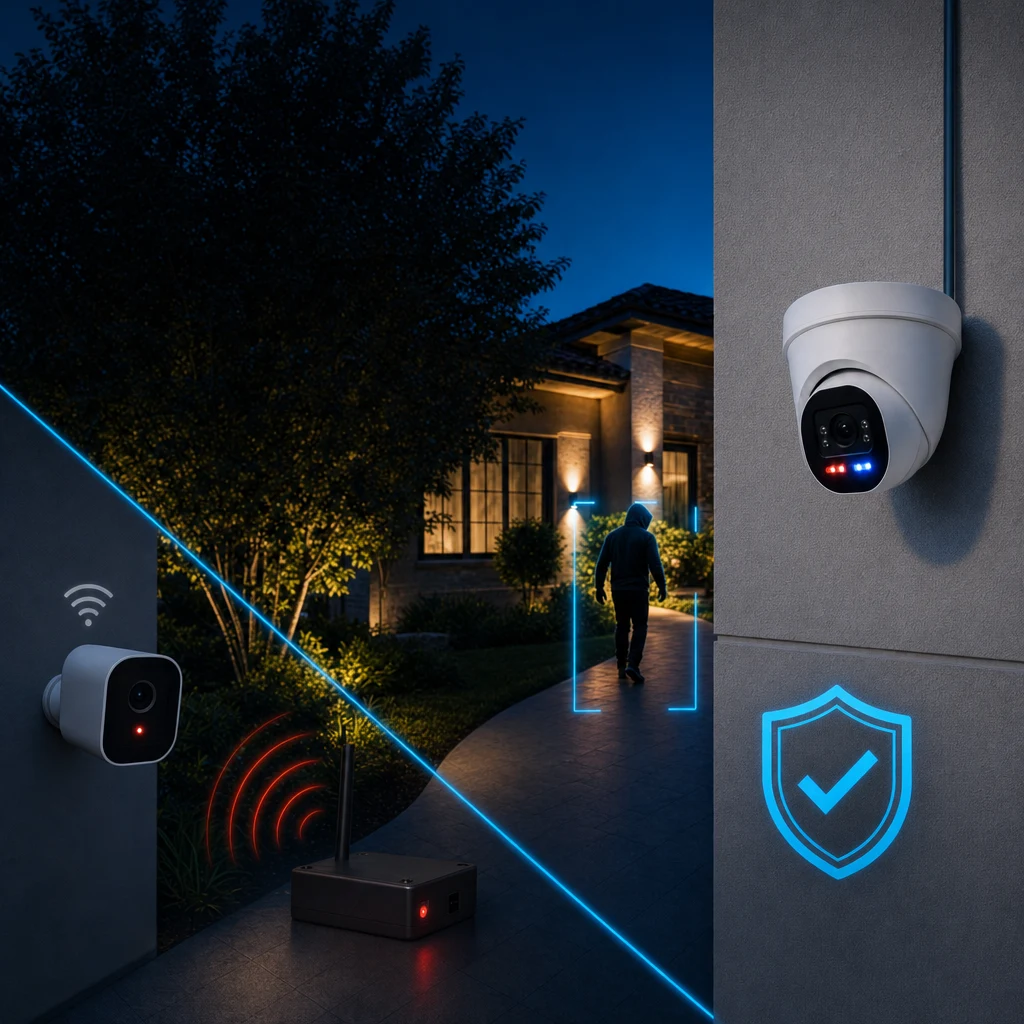
First Windsor sets the detection lines. When armed, the system can detect a person crossing one, activate configured deterrence and send an event for professional review. Specialists assess visible footage and may respond under the service process. A crossing alone does not mean someone has committed a crime.
Learn more before you call
Our plain-English guide to AI perimeter security explains the concepts in more depth, and the consultation checklist helps you list the approaches worth mentioning.
Frequently asked questions
Will the system alert me every time an animal walks by?
The software is designed to distinguish people from animals, vehicles and weather, and trained professionals review events. No system is perfect, and configuration and camera placement matter.
Can I choose which areas are watched?
Yes. Protected approaches are configured with you during design, and areas you do not want covered can be discussed.
Does it work at night?
Night performance depends on lighting and equipment selected for each location. Windsor considers this when it designs the property.
Is the detection hardwired?
Critical infrastructure is professionally hardwired. The design decides which components that covers on your property.
Start with your property.
The consultation is free. It begins with your property, access points, routines and priorities.