
From a configured line to a response on your behalf.
Control your system through the app. When it is armed, configured detection lines connect people-focused detection to deterrence and professional event review. Here is how Windsor designs that sequence and may respond on your behalf.
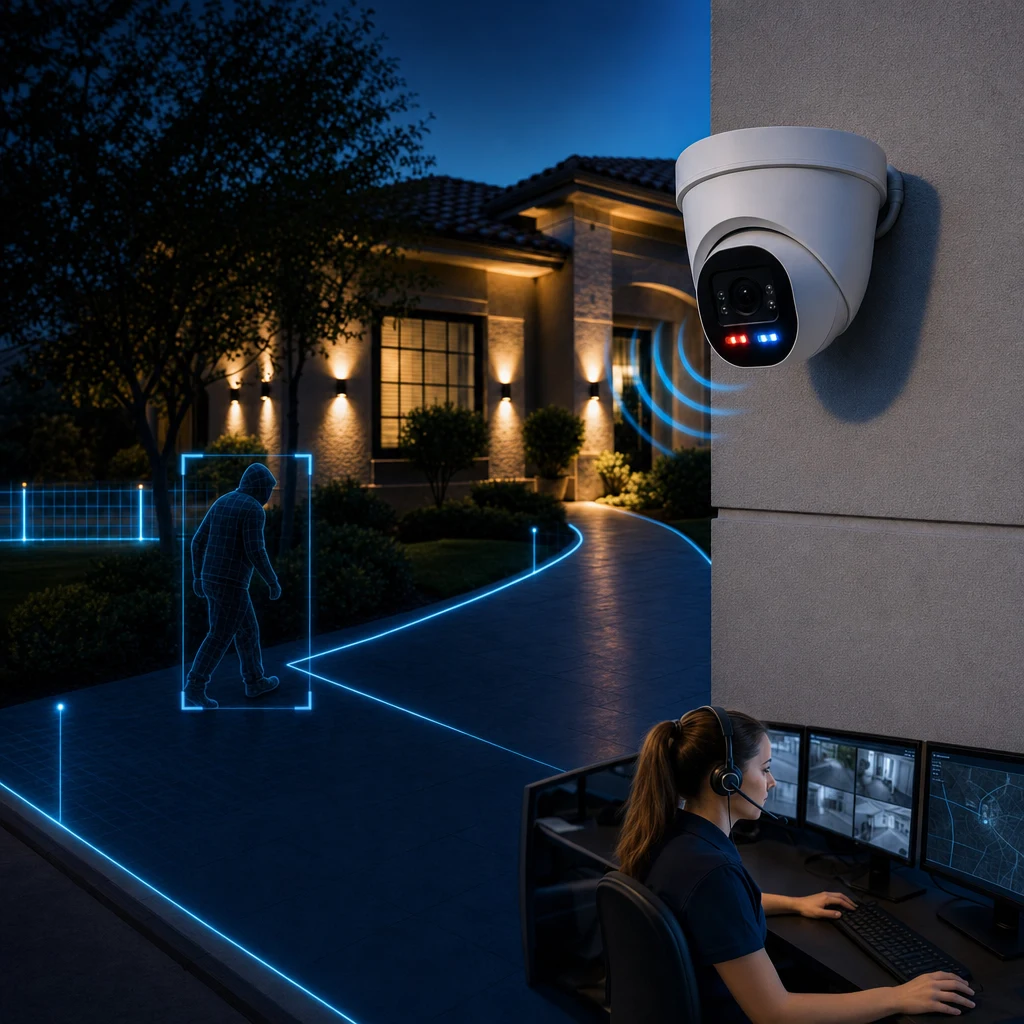
Four steps, when the system is armed.
You arm or disarm the system in the app. When armed, a configured line crossing can begin a managed prevention sequence. It is not a promise that every event leads to an emergency call.
Set the detection lines
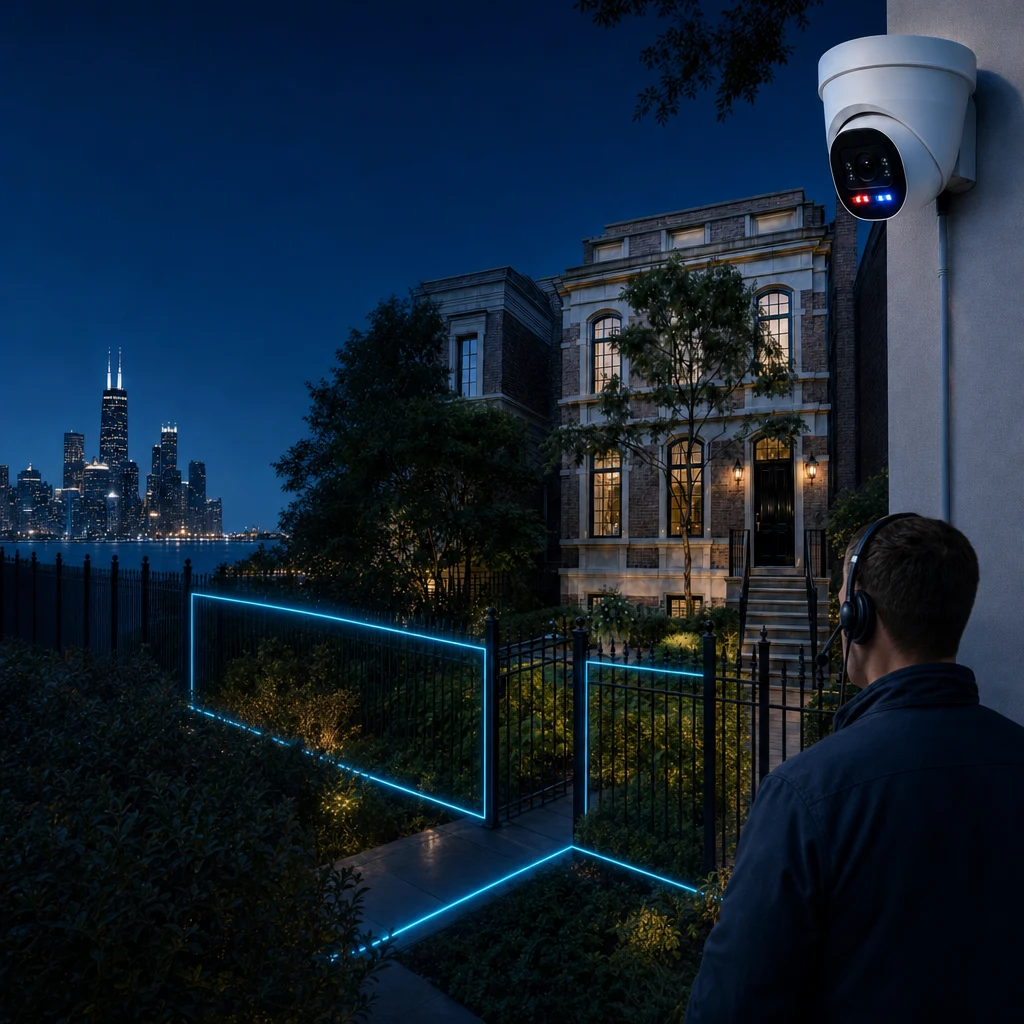
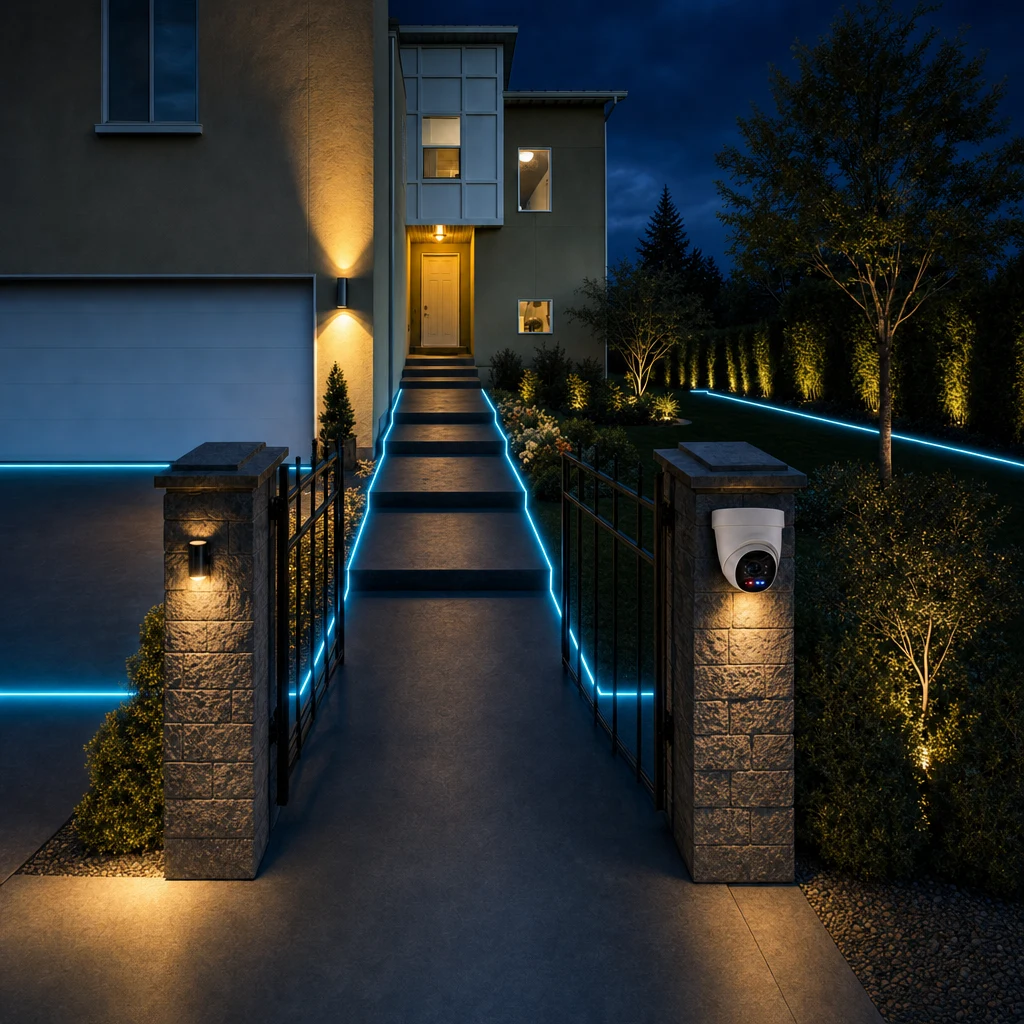
Windsor places lines around your layout and needs, near a gate, door, sidewalk, front yard, side passage or porch. They do not have to follow the property boundary.
Detect a person crossing a configured line
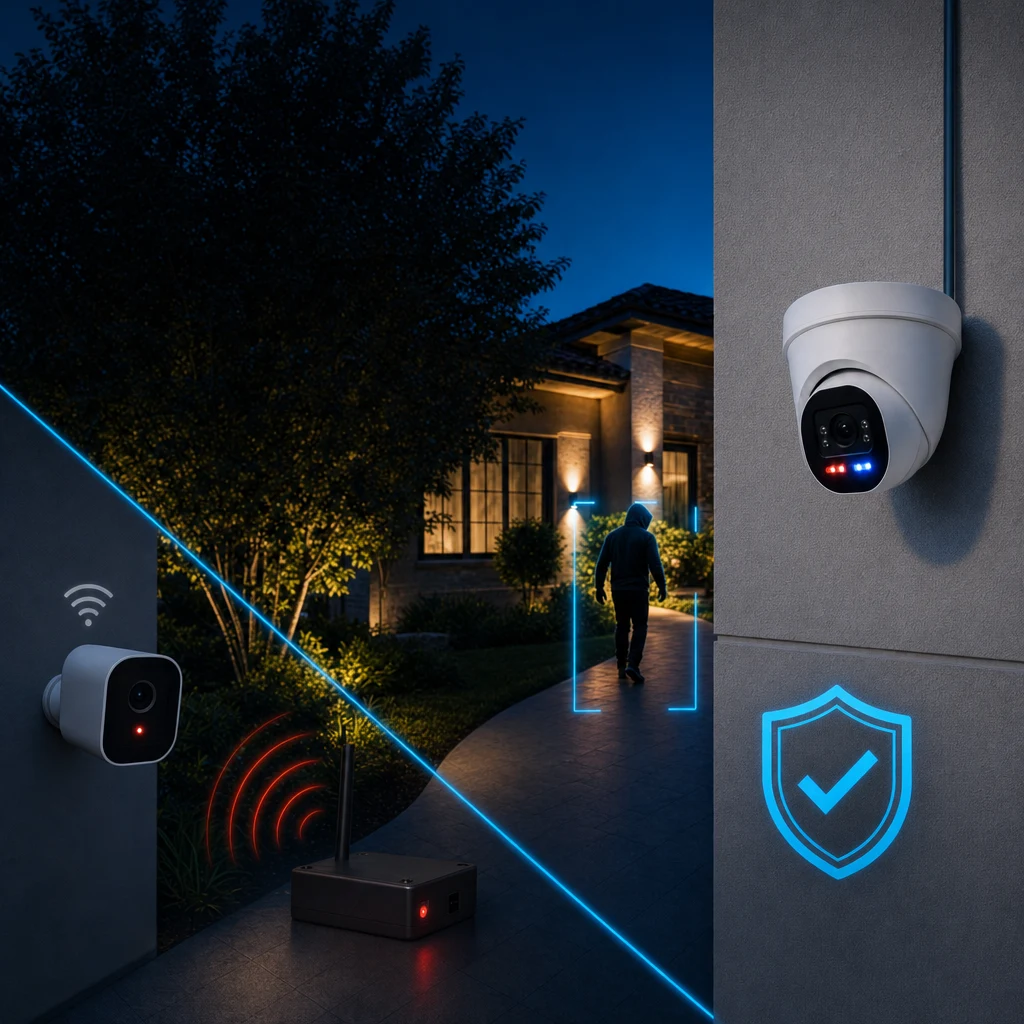
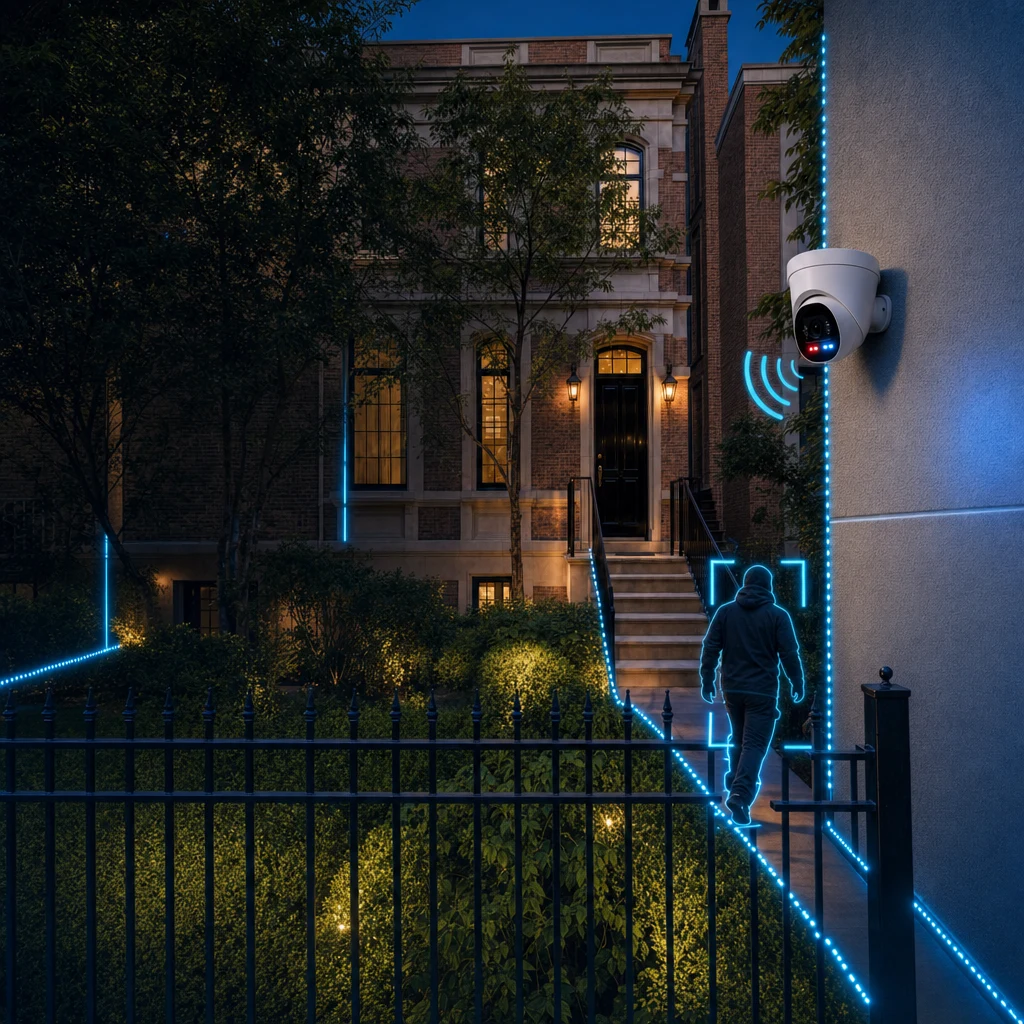
When the system is armed, a person crossing a configured line may generate an event for review. Ordinary movement elsewhere is not the same as crossing a line set for detection.
Deter
Configured lights or on-site audio can make the security presence known at the approach. A Windsor specialist may use on-site audio to direct someone to leave when appropriate.
Respond: a response on your behalf
A Windsor specialist assesses the footage and follows the service process. The homeowner or listed contacts may be contacted, and police may be contacted when appropriate.
A response on your behalf.
Imagine someone entering through a side gate. What follows depends first on whether the system is armed.
Specialists assess what is visible on camera. They do not recognize familiar people or know who belongs at the property.
System state
Choose a state to compare the sequence.
When armed
A person crossing the configured side-gate line may create an event for review. A Windsor specialist assesses the footage and follows the service process.
If the footage shows a delivery being made and the person leaving, that does not automatically lead to a call to emergency contacts or police. The specialist cannot know someone’s identity or whether they were expected from prior familiarity.
If someone remains on site, a specialist may use on-site audio to direct them to leave. The homeowner or listed contacts, and police, may be contacted when appropriate under the service process. Dispatch is not guaranteed.
A delivery is an event, not automatically an emergency
A delivery person crossing a configured line while the system is armed may generate an event. If the footage shows them deliver a package and leave, that does not automatically mean the specialist calls police or emergency contacts. That assessment is based on visible conduct, not recognition of the person or prior knowledge that a delivery was expected.
If a person remains on site, a specialist may speak through on-site audio, describe visible clothing or actions, state that they are on private property and direct them to leave. A specialist should state that police have been dispatched only if they actually have been.
Support that continues after installation
Windsor is an ongoing service, not an install-and-leave provider. The support team can assist with system health, camera lines of sight, detection lines and false alarms, helping the system continue to suit the property.
Landscaping, building work and the way a property is used can change. Windsor can help review coverage and configuration, and keep relevant contact and notification details current. Customization belongs in the system design and settings; monitoring specialists still follow a consistent service process.
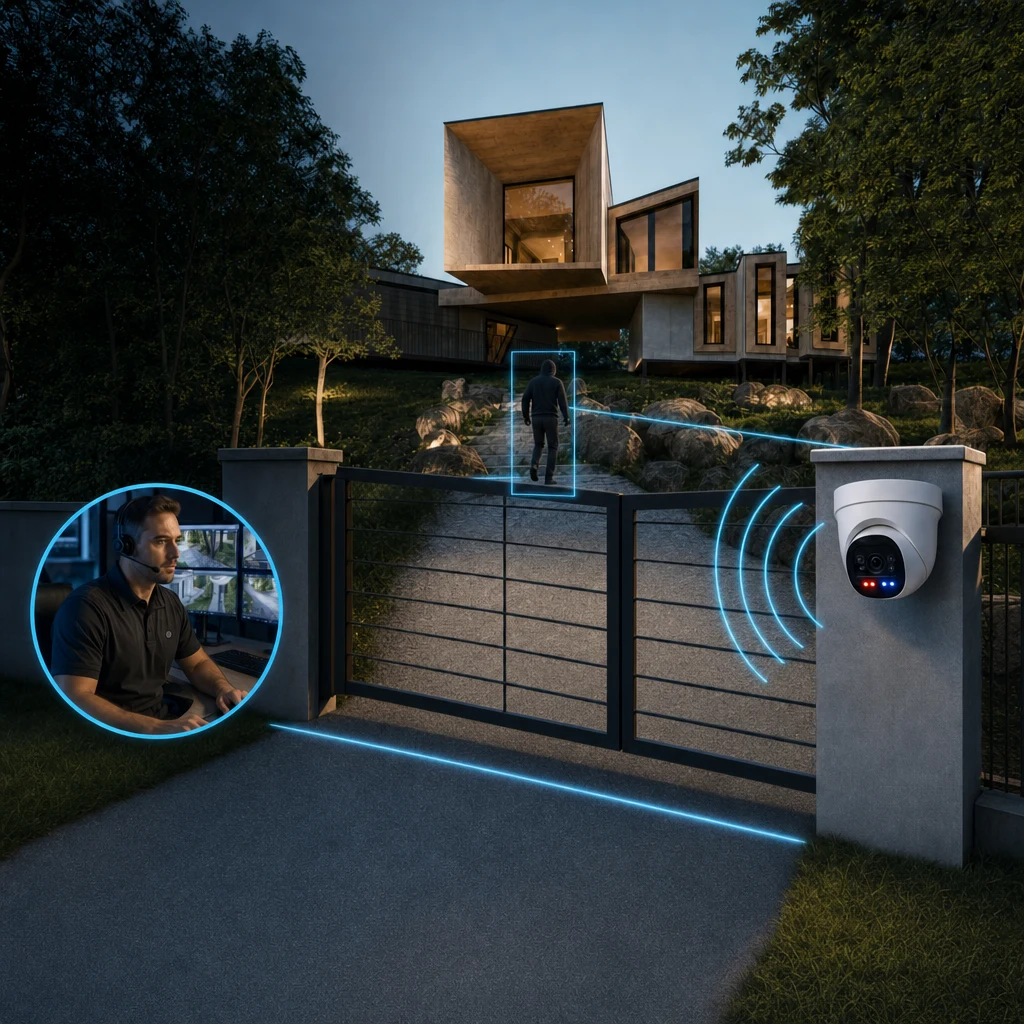
Example: someone enters a side gate
When the system is armed, a person crossing a configured line at a side gate may create an event. Configured lights and audio can activate. A specialist reviews the footage sent to them and assesses visible actions, not an assumed identity or prior knowledge of expected visitors.
If someone remains on site, a specialist may use on-site audio and take further action under the service process. When the system is disarmed, this armed prevention sequence does not run. Use the armed/disarmed comparison to see the distinction.
Want this designed around your property?
What the household does during an event
Homeowners do not have to assess every camera event themselves. Specialists use visible footage and the service process to determine appropriate action, with relevant contact and notification details on file. Keep those details current so any appropriate contact reaches the right person.
Why the order matters
Configured detection lines define where a crossing matters. When armed, people-focused detection can initiate deterrence and event review. Review gives specialists visible information before escalation, rather than treating every crossing as an emergency. This is a connected service, not a promise that every event has the same outcome.
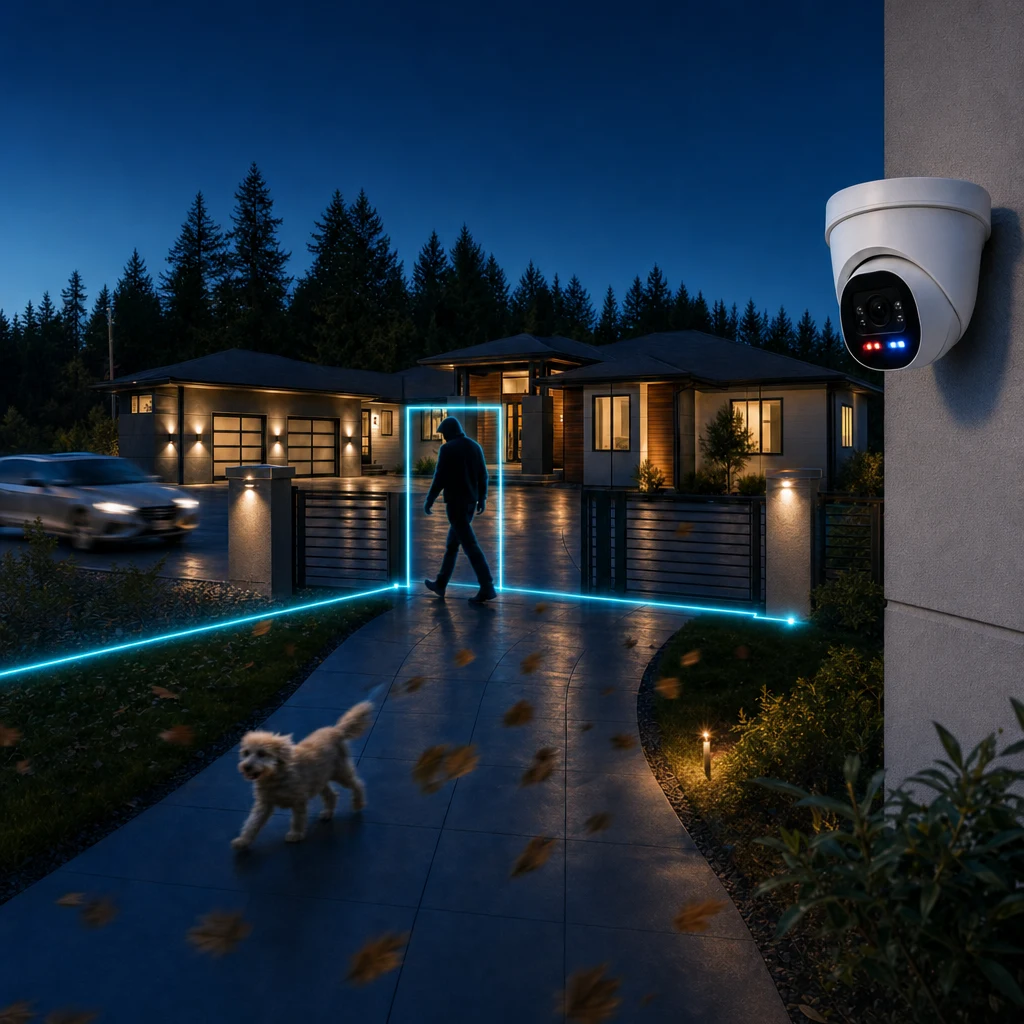
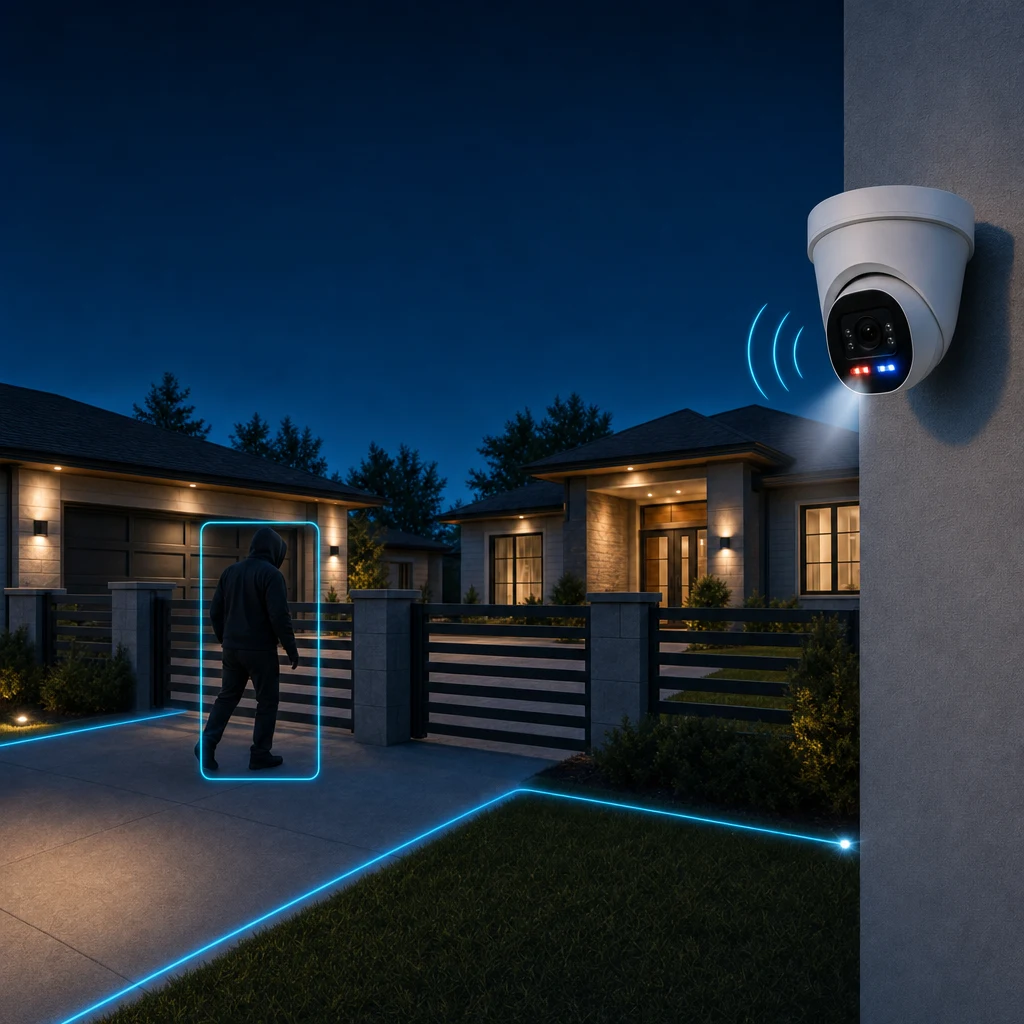
Attentive support as your property changes
Windsor's support team can assist with system health, camera lines of sight, detection lines and false alarms. Landscaping, construction and changes in property use can call for a coverage review. Ongoing service helps keep configuration and relevant contact details aligned with the property.
What this means in practice
You can view your cameras yourself, but event review and response do not have to fall on you. The app lets you arm and disarm the system, while Windsor helps design and support the detection lines and relevant contact settings.
Frequently asked questions
What counts as an event?
A person crossing a configured detection line while the system is armed may create an event for review. An event is not a finding that a crime has occurred, and it does not automatically lead to a police dispatch or an emergency-contact call.
How do I control the system?
You arm and disarm the system through the app. The prevention sequence runs when the system is armed. Windsor designs the detection lines around the property and your needs.
Can I view my cameras myself?
Yes. Homeowners can view their cameras. Professional monitoring means that reviewing and responding to events does not have to fall on you.
Can a specialist speak to someone through the system?
When appropriate, a monitoring specialist may use on-site audio to describe visible details, state that the person is on private property and direct them to leave. They should say police have been dispatched only if that has actually happened.
What happens if a delivery person crosses a line?
While the system is armed, crossing a configured line may generate an event. If the footage shows someone deliver a package and leave, that does not automatically mean police or emergency contacts will be called. Specialists assess what is visible; they do not recognize the person or know whether the homeowner expected them.
Do monitoring specialists know who belongs at my home?
No. Specialists see camera footage when an event is sent for review. They do not know your household or recognize familiar visitors. They use what is visible and a cautious, largely standard escalation process, with relevant contact and notification details on file.
Start with your property.
The consultation is free. It begins with your property, access points, routines and priorities.